...
- The system identifies the user and their roles memberships.
- The document ACL is evaluated.
- Inherited permissions are considered.
- Access is granted or denied based on the applicable rules.
Search
Document Search
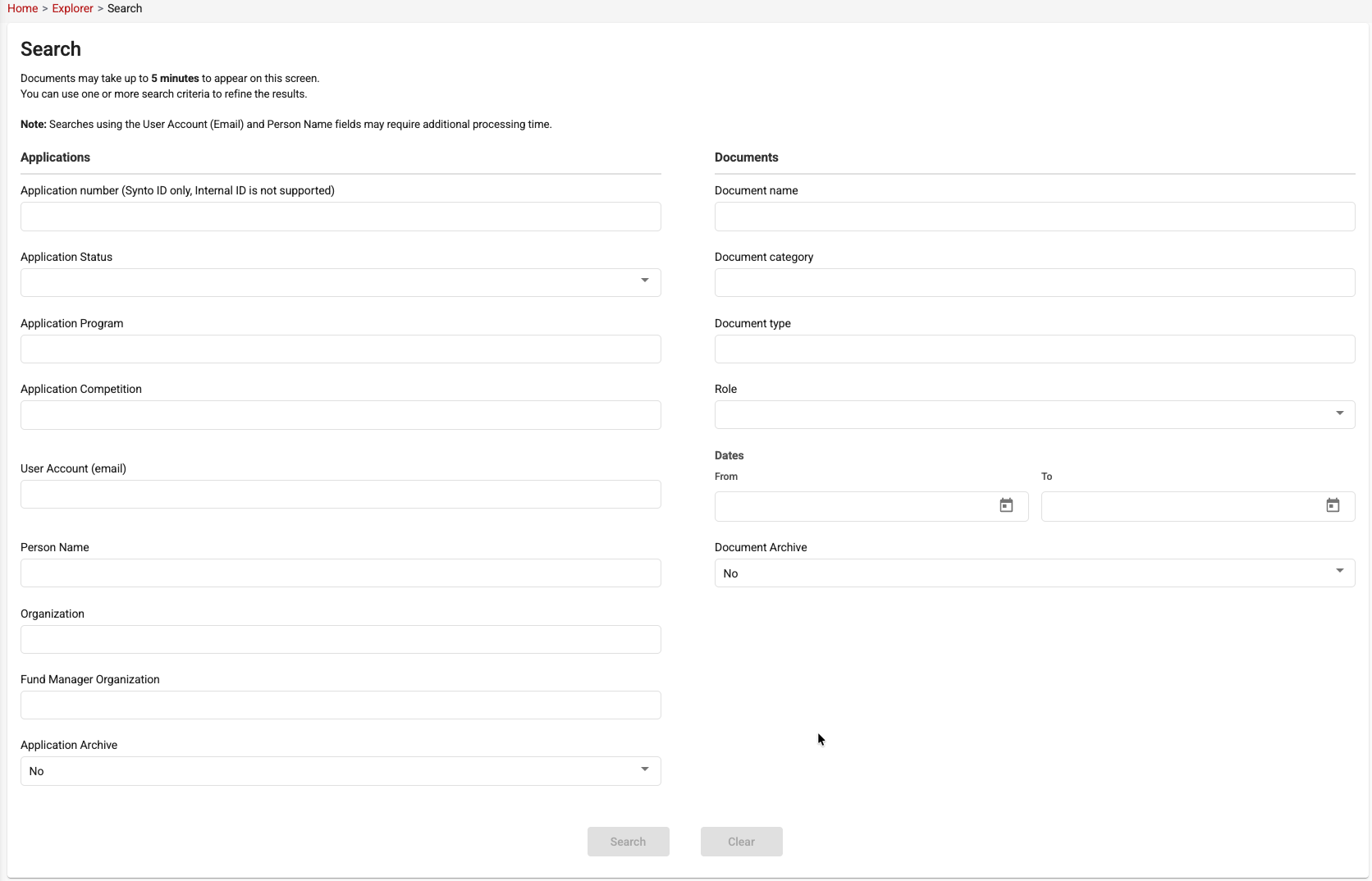
The Document Search screen provides advanced search capabilities to help users quickly locate documents and applications within the system.
Users can search using one or multiple criteria to refine the results. Search criteria are grouped into two main sections:
Application Filters
The following filters can be used to search for documents associated with a specific application:
- Application Number (Synto ID only)
- Application Status
- Application Program
- Application Competition
- User Account (Email)
- Person Name
- Organization
- Fund Manager Organization
- Application Archive (Yes/No)
Document Filters
The following filters can be used to locate specific documents:
- Document Name
- Document Category
- Document Type
- Role
- Date Range (From / To)
- Document Archive (Yes/No)
Search Process
- Enter one or more search criteria.
- Click Search to retrieve matching records.
- Use Clear to reset all search fields.
Notes
- Documents may take up to 5 minutes to appear in search results after being uploaded or modified.
- Searches using User Account (Email) and Person Name may require additional processing time.
- Using multiple search criteria can help narrow down results and improve search accuracy.
Search Results
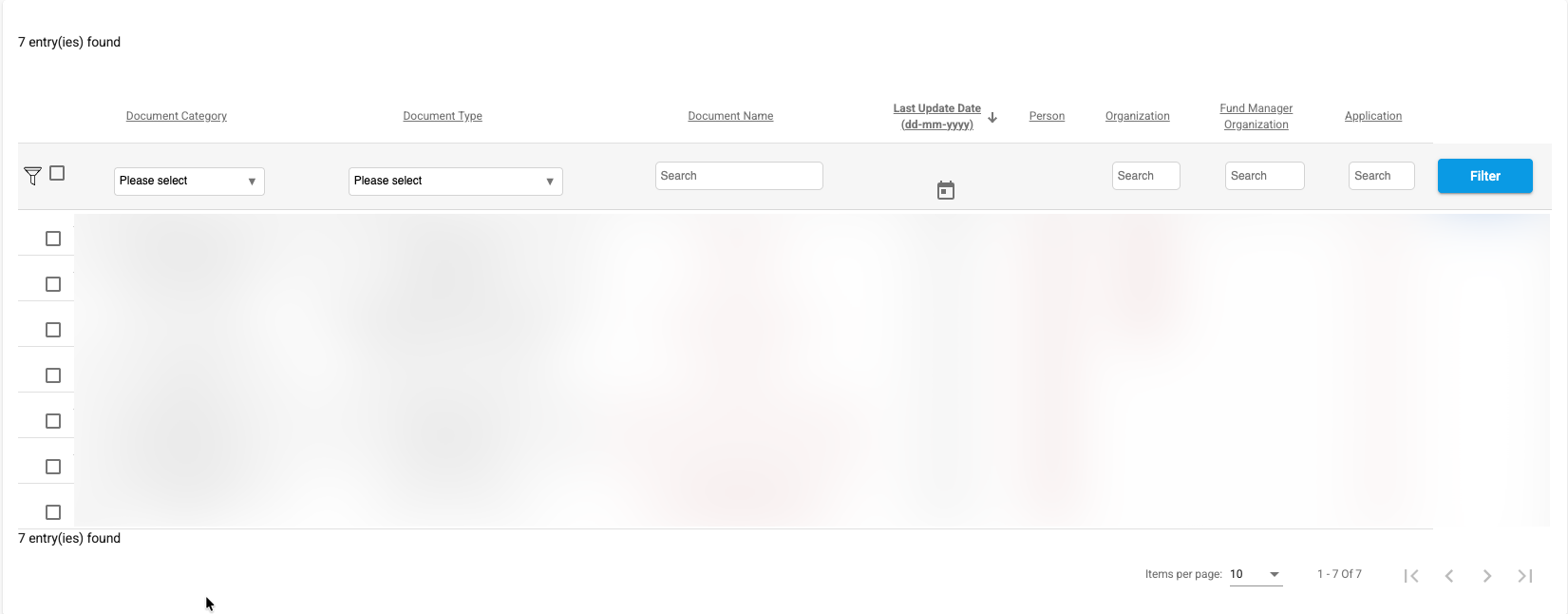
Search results are displayed in a tabular format and provide key information about each document, including:
- Document Category
- Document Type
- Document Name
- Last Update Date
- Person
- Organization
- Fund Manager Organization
- Application Number
Users can further refine the displayed results using the filters available at the top of each column.
The Document Name and related entity references are clickable links that allow users to navigate directly to the document or to the entity where the document is associated (for example, an application, person, or organization record).
This functionality provides a quick and efficient way to understand the context of a document and access the related records without performing additional searches.
Search results also support sorting, filtering, and pagination to facilitate navigation through large result sets.