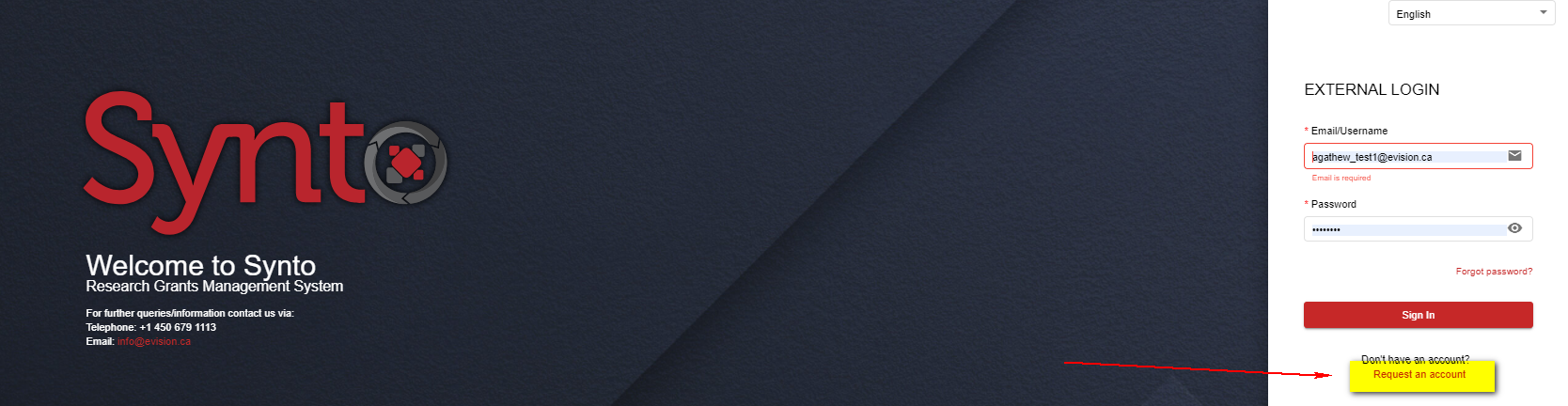
New User navigates to the portal url and selects “Request an account”
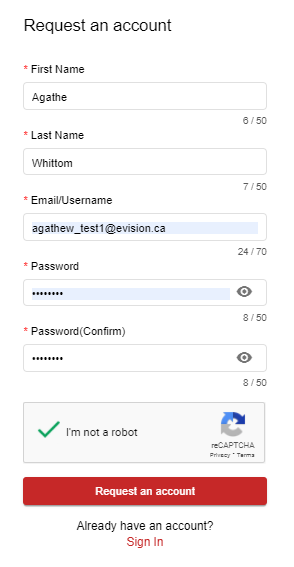
New User completes
- all required information:
- automated detection system
- and selects “Request an Account” button
System registers New User:
- New User is now an Applicant
- System navigates Applicant to Log-In screen