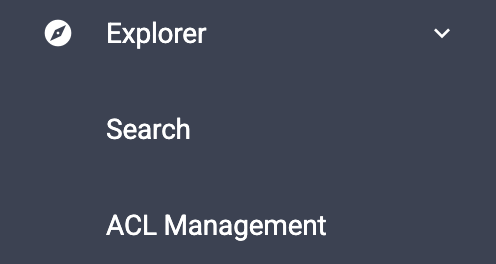
The Access Control List (ACL) system is used to manage and enforce access permissions on documents. It ensures that only authorized users, groups, or roles can access and perform actions on specific documents.
Each document is associated with an ACL that defines:
| Permission | Description |
|---|---|
| Read | Allows users to view the document. |
| Write | Allows users to modify the document content, if applicable in the screen. |
| Delete | Allows users to delete the document, if applicable in the screen. |
Documents may inherit permissions from higher-level entities, such as:
When a document-specific ACL is configured, it may override or complement inherited permissions depending on the system configuration.
Each document is automatically assigned a set of default ACL rules when it is created.
These default rules are mandatory and cannot be permanently removed from the document’s ACL configuration. However, they can be disabled when access restrictions are required.
This approach ensures that a baseline security model is always maintained while still providing flexibility to adapt access permissions to specific business needs.
Note: Disabled default ACL rules remain visible in the ACL configuration for auditability and can be re-enabled at any time by authorized users.
When a user attempts to access a document: